My Two Go-To Microphones for Content Creation
 Natalia Kuna
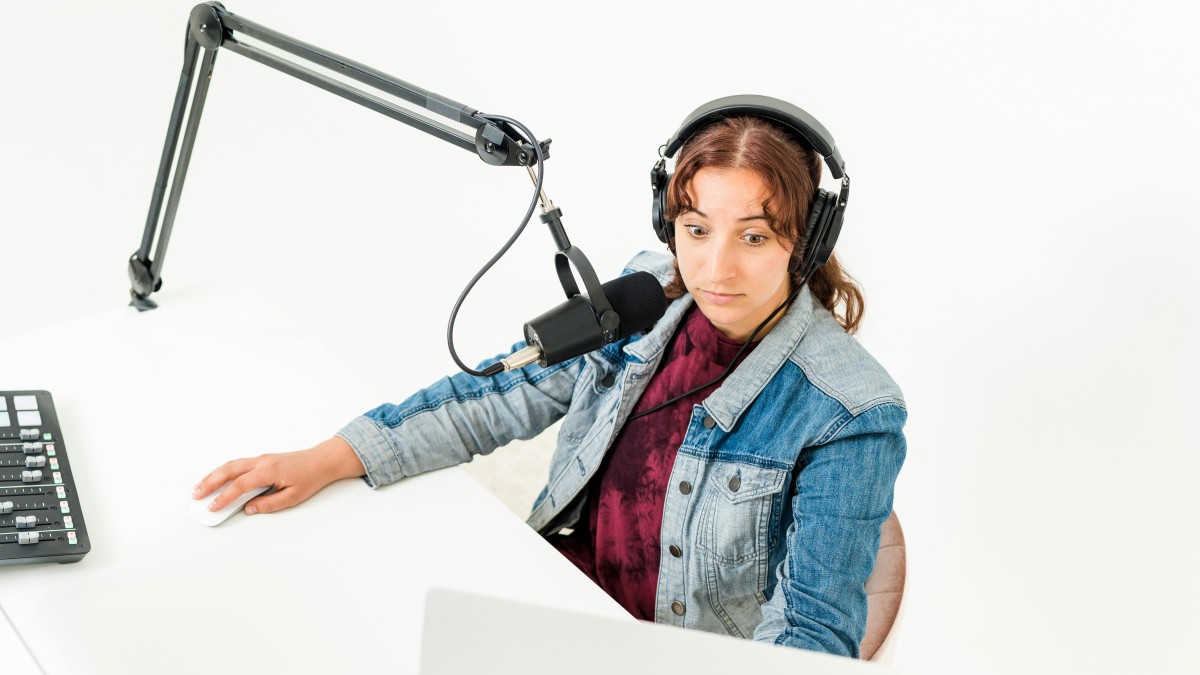
A quick, practical overview of two microphones I rely on for recording courses, videos & content. Both have a strong 4.7 star rating & are popular!
Clear, professional audio makes an enormous difference in how your content is received. Whether you're recording courses, YouTube videos, reels, or any type of digital product, the right microphone instantly elevates your work and makes you sound polished and confident.
Over time, I realized I needed two different microphones — one for my computer-based work and one for my mobile workflow. Each serves a completely different purpose, and both have become essential tools in my content creation setup.
Below are the two mics I personally use, why I chose them (after LOTS of research), and what they’re best for. In fact I love them so much, I decided to become an affiliate, so I'll share those direct Amazon links to the exact products with you.
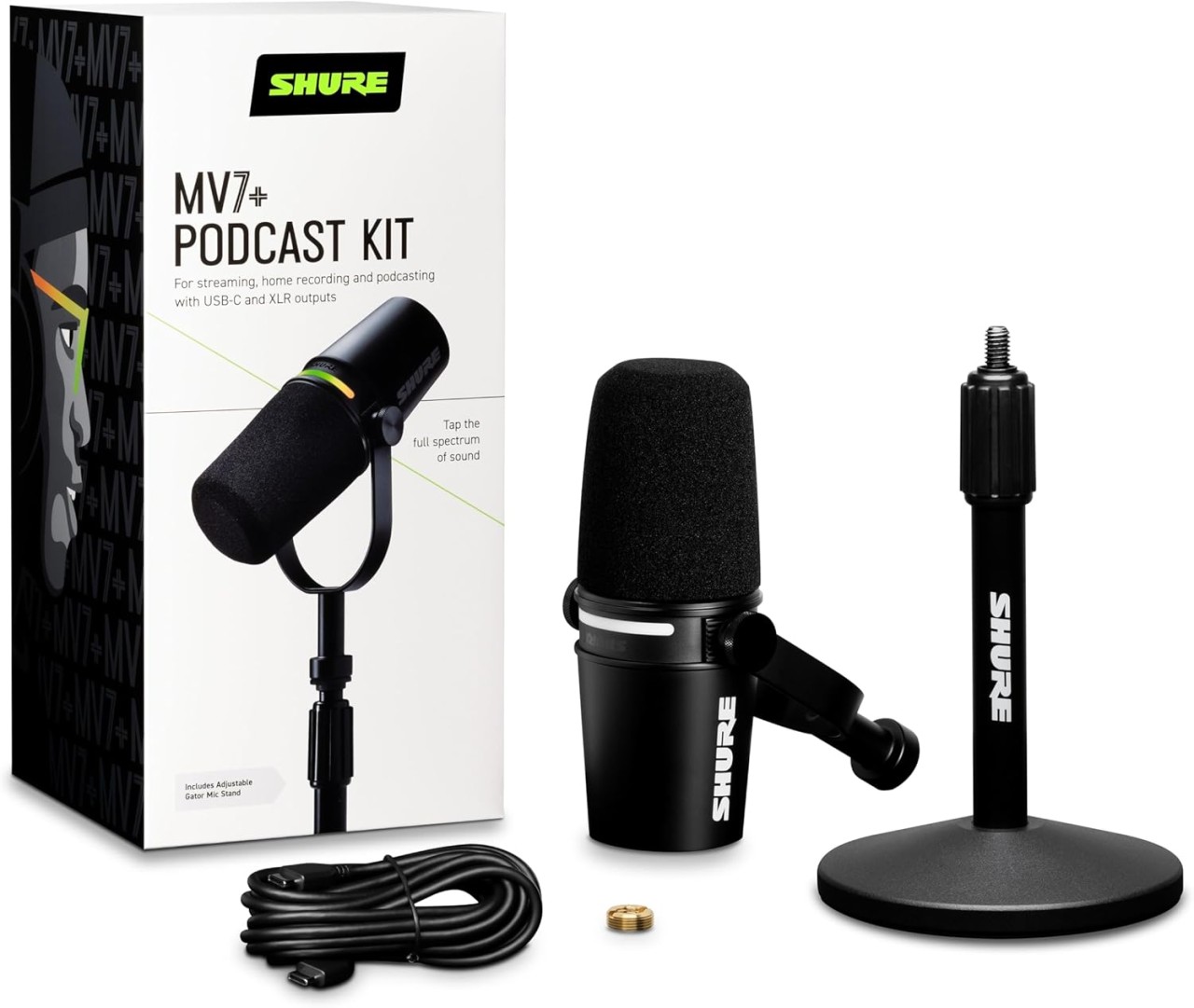
Shure MV7+ (My main microphone for high-quality audio)
Shure is a well-established audio brand known for producing solid (literally, lol), reliable, long-lasting microphones used by podcasters, creators, musicians and anyone wanting great sound without complication. They are widely used because their gear is consistent, durable, and easy to work with.
The Shure MV7+ is a hybrid USB/XLR microphone built with the same broadcast-quality sound profile found in the SM7B family. It’s designed for creators who want professional sound without complicated setups.
The reason I chose the MV7+ instead of the original MV7
The upgraded MV7+ solved the main usability issues creators had with the earlier MV7. For me, the biggest improvement was how much simpler it is to connect and use. The new USB-C setup means I can plug it straight into my devices without any additional adapters or extra pieces in the chain, which keeps my workflow clean and stable. It delivers the same broadcast-quality sound profile people loved in the original MV7, but with a smoother, more modern setup — exactly what I needed.
It’s the mic I use for:
-
course recordings
-
voiceovers
-
podcasting
-
Zoom sessions
-
desktop YouTube videos
-
long-form speaking content
Why it’s ideal:
-
Delivers clear, warm, consistent sound
-
USB-C or XLR connection (ie: plug-and-record. The MV7+ specifically has a USB-C connection capability, which is more modern and reliable than the older MV7, and it removes the need for extra adapters
-
Excellent background noise control
-
Built-in touch controls for basic mic settings and headphone monitoring
Works perfectly in untreated or imperfect rooms
It also has a strong 4.7-star rating on Amazon, reflecting consistent positive feedback from creators.
If you want a microphone that instantly makes you sound more polished and professional, this one does it with zero fuss.
👉️ CHECK PRICE + DETAILS OF SHURE MV7+ ON AMAZON
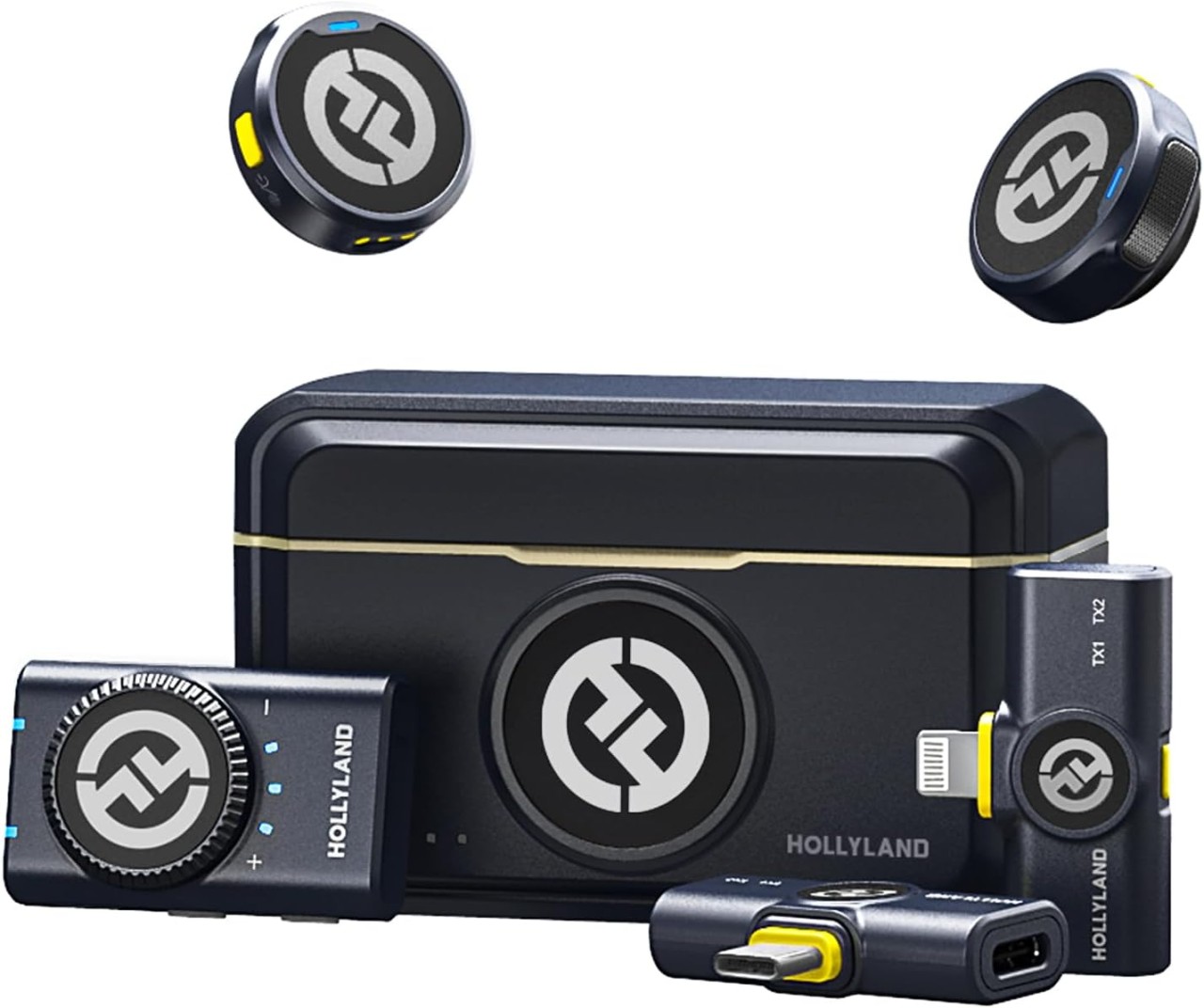
Hollyland Lark M2 — My favourite mic for iPhone videos
This mic is completely different and meant for a different purpose. It’s a compact wireless system designed for recording high-quality audio directly into your iPhone.
I use it for:
-
YouTube videos filmed on my phone
-
reels
-
outdoor shoots
-
vlogs
-
mobile course recordings
-
any video where I’m standing away from the phone
Why I love it:
-
Ultra-simple wireless connection to iPhone, camera, or recording device
Crystal clear audio with dual-channel capability
-
Compact, lightweight transmitters and receiver
-
Automatic pairing, no external syncing required
-
Perfect for moving around freely while filming
The Lark M2 system auto-pairs as soon as you turn it on, so there’s no manual syncing, no menus, and no setup delays—everything connects instantly. Which is awesome!
This mic also has a 4.7-star rating on Amazon, showing that users consistently love its performance.
The Hollyland Lark M2 is dual-channel and designed for iPhone or camera use with auto-pairing. For any creator filming with their phone (which many of us do, because phones have such powerful cameras these days), this is a total game-changer.
👉️ CHECK PRICE + DETAILS OF THE HOLLYLAND LARK M2 ON AMAZON
Why I use both
They’re not comparable and not meant to replace one another.
-
The Shure MV7+ gives me the warm, studio-level audio I need when I’m sitting at my desk developing content.
-
The Hollyland Lark M2 gives me clean, reliable audio for mobile videos when I’m not on my computer.
Together, they cover every part of my workflow.
Which one should you choose?
It depends on how you create:
-
If most of your content is recorded on your computer or you need strong, consistent voice quality → choose the Shure MV7+
-
If you film with your iPhone — especially reels, YouTube, or outdoor content → choose the Hollyland Lark M2.
If you do both types of content, these two mics complement each other perfectly.
If you’d like to explore the microphones I use, you can find them through my Amazon affiliate links below. These are the exact models I use in my business. If you purchase through my links, I may receive a small commission at no extra cost to you.
Shure MV7+ Microphone:
👉️ CHECK PRICE + DETAILS ON AMAZON (USA)
Hollyland Lark M2 Wireless Mic:
👉️ CHECK PRICE + DETAILS ON AMAZON (USA)
Categories: : Content Creation, Course Creation, Microphone & Studio Gear, Podcasting, Tech